Your money, on an even keel.
Know what's safe to spend until payday.
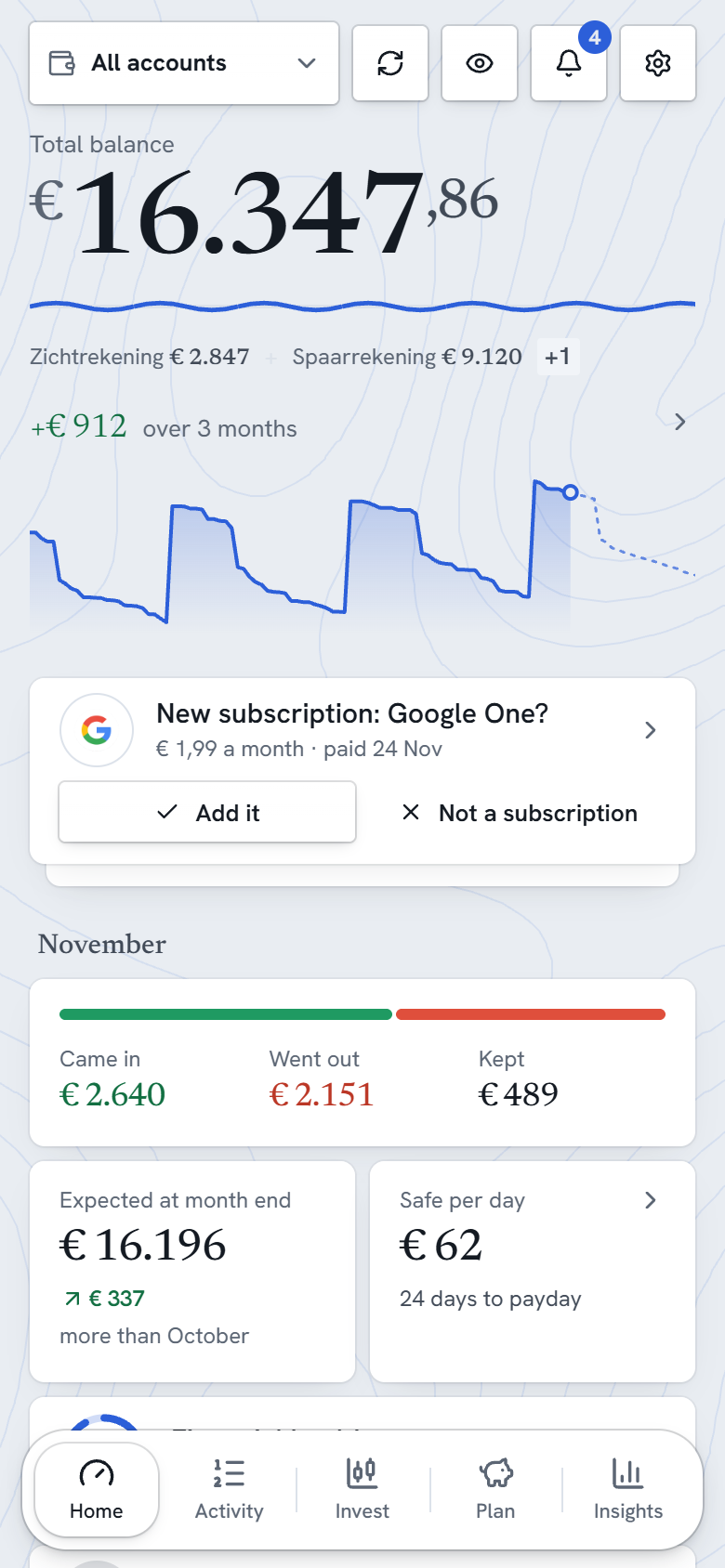
Keel reads your bank, sorts every payment and takes off the bills still to come. What's left is your number for today.
We remind you before your plan starts. Android and web.
Works with the banks you already use













Most banks in 15 European countries. The app shows the exact list before you connect.
Your month, day by day.
The calendar shows what went out each day, the bills that landed, and what you kept so far.
- The deeper the blue, the more went out.
- Tap a day to see its payments.
- Days ahead show the bills still expected.
Kept so far in November
€ 489,38
 +1
2€43
 +1
3€104
 +1
4€68
5€28
 +1
6€8
7€119
8
9€13
10
11€180
12€16
 13€58
14€204
15€35
 16
17€4
18€99
19€13
20€8
21€47
22€121
23€13
24€2
 25€63
26€8
27
28
29
30
Two minutes to set up.
Connect your bank
You sign in at your own bank. Keel never sees your password, and it can only read.
Keel sorts it all
Every payment gets its category. Fix a shop once and Keel remembers it for good.
See your number
Safe to spend per day, after the bills still to come. It updates about 4 times a day.
See every bill before it lands.
Keel finds what comes back every month and shows what's paid and what's still to pay.
- A new subscription? Keel asks you about it.
- A bill that didn't show up yet is flagged.
- Your balance after all the bills, at a glance.
All paid
Nothing left to pay this month.
€ 1.084 paid of € 1.084
New subscription: Google One?
€ 1,99 a month · paid 24 Nov
Netflix
Subscriptions
monthly · next 12 Dec · 14×
−€ 15,99
▲ € 2,00

Spotify
Subscriptions
monthly · next 7 Dec · 14×
−€ 11,99
A month, looked at whole.
Every month Keel looks back: what you kept, the budgets you held, and what stood out. Then play it as a short story.
- A month score out of 100.
- Budgets that carry over what's left.
- Goals that show if you're on track.
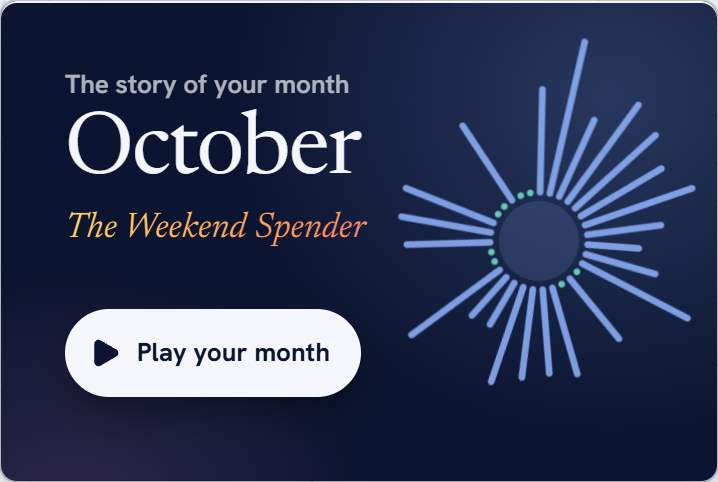
54 / 100 · Mixed
October went steadily: € 325 kept, 12% of what came in.
Your investments, next to your bank
13 brokers and exchanges, plus crypto wallets.
Worth now
€ 14.422,33
+€ 712,73 +11,6% this year
ValuePut inMSCI World
Share with a partner
Each of you picks which accounts the other sees.
In your language
English, Nederlands and Français.
Your bank, read-only.
Keel can see your payments. It can never pay, transfer or change anything.
You log in on your bank's own page. Keel never sees your password.
Your data stays in the EU, encrypted. Download or delete it whenever you want.
No ads and no trackers. Your data is never sold to anyone.
7 days free. No surprises.
See your own number before you decide. Keel tells you before your plan starts, so nothing comes out of your account unannounced.
- TodayStart free. Connect your bank and see what's safe to spend.
- Day 5Keel reminds you, with the date your plan starts.
- Day 7Your plan starts. Cancel before then and you pay nothing.
Before you start.
Can Keel move my money?
No. Keel can only read your accounts. It can never pay, transfer or change anything at your bank.
Does it work with my bank?
Most banks in 15 European countries, Belgian banks included. The app shows the exact list before you connect.
How do I cancel?
In Google Play, under Subscriptions. Cancel before day 7 and you pay nothing. Keel reminds you on day 5.
What if a category is wrong?
Change it once and Keel uses it for that shop from then on. A category you choose is never overwritten.
Is there an iPhone app?
Not yet. Keel runs on Android and in any modern browser, the iPhone's included.
Know your number today.
Connect your bank in two minutes and see what's safe to spend until payday.
We remind you before your plan starts.